
{{ getFeatureName(action_mode) }} your image

Drop your image here.
Our popular AI tools
Enhance Photo
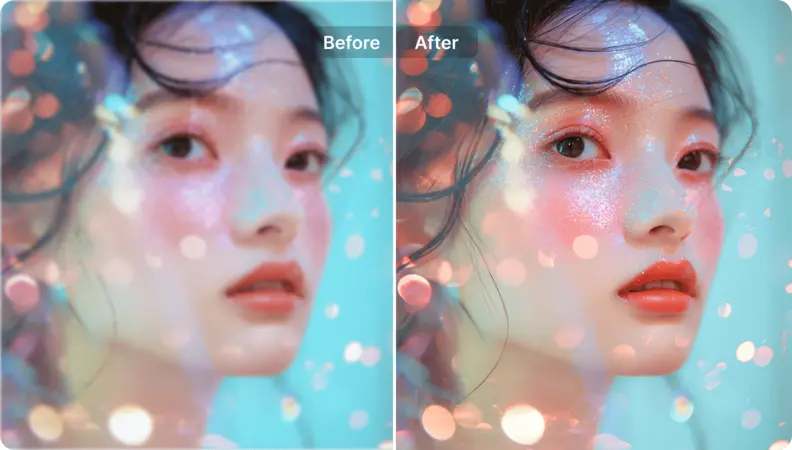
Automatically enhance the blurry photo's resolution and increase the overall quality.
Remove Objects
AIPhotor's One-Touch AI simply detects and removes unwanted details in your picture.
Remove Background
Seamlessly remove background from photos. Edit background with 100+ well-designed templates.
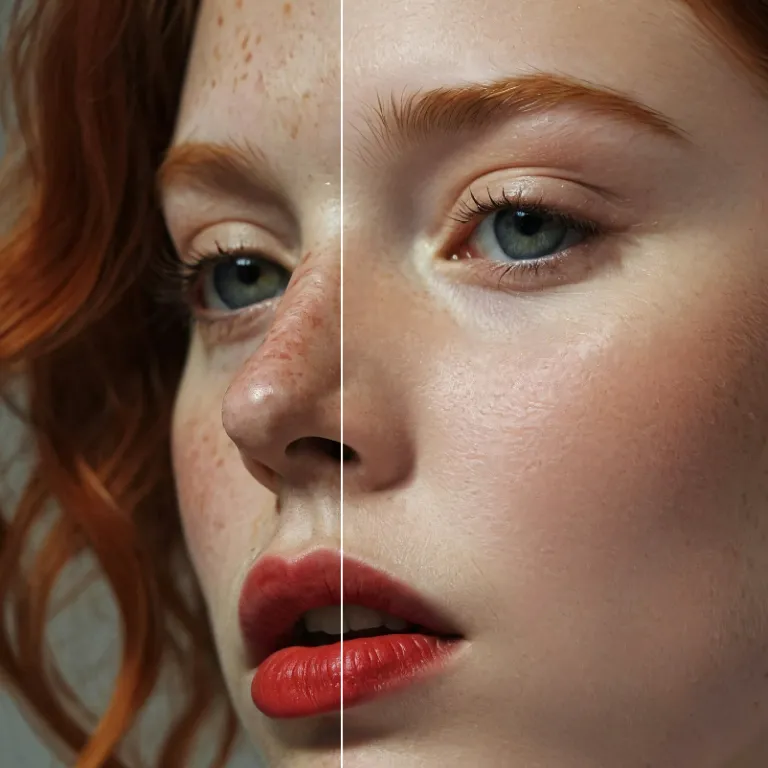
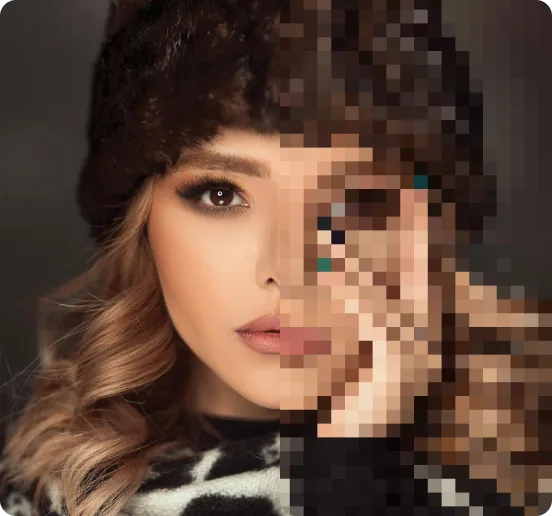
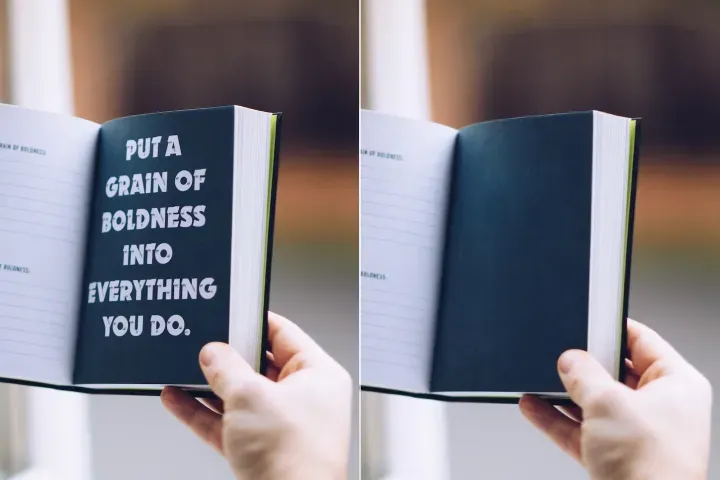
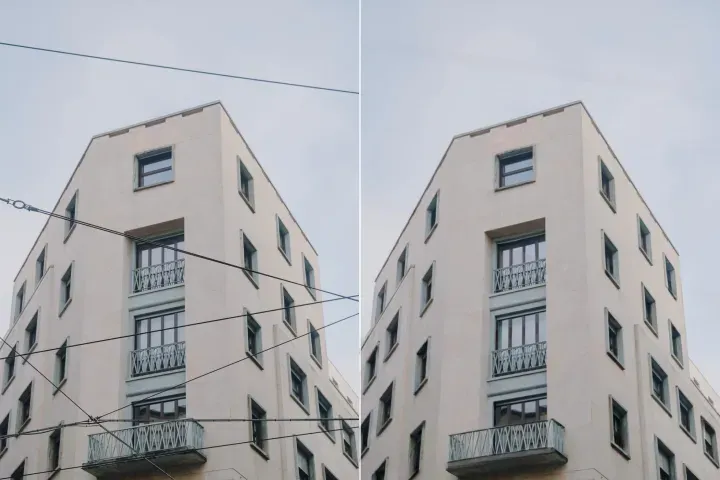
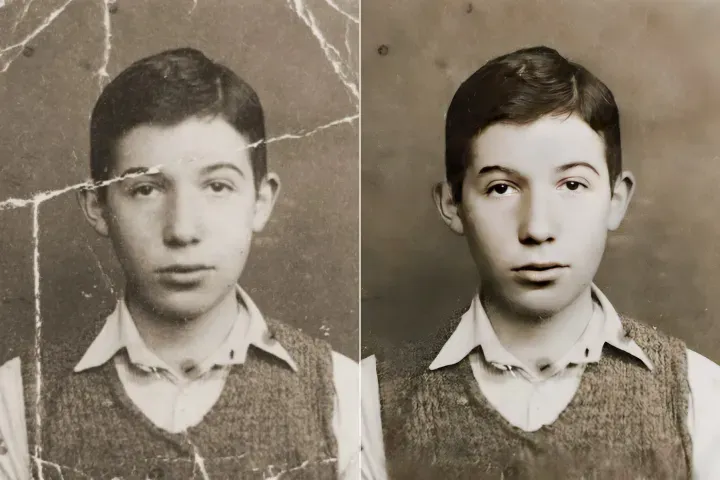
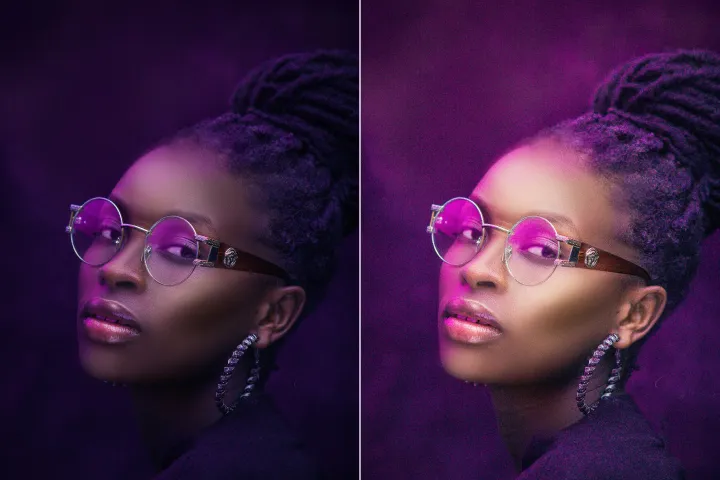
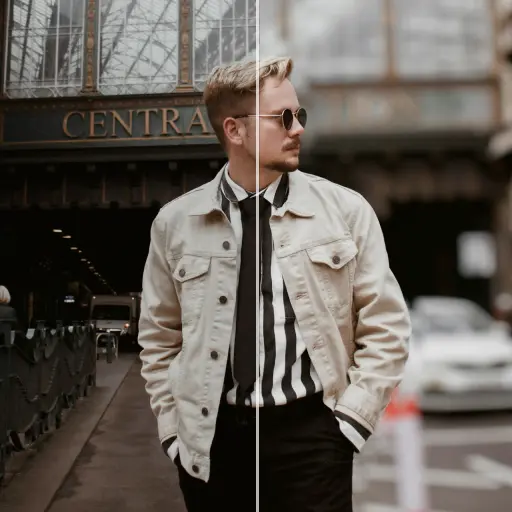
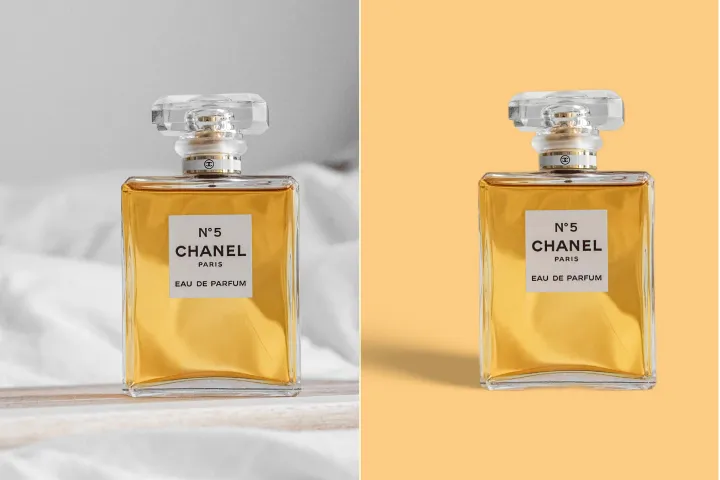
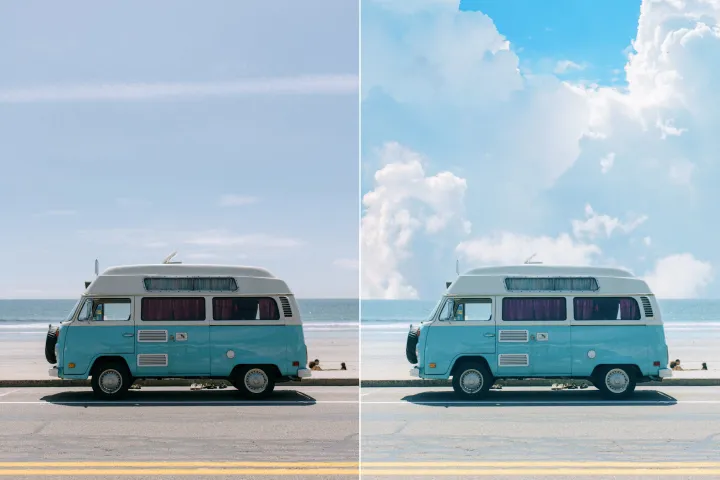
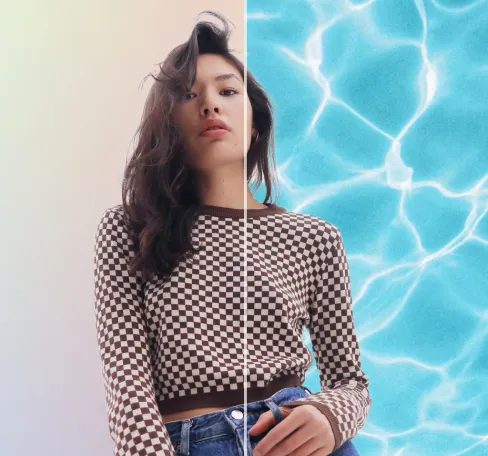
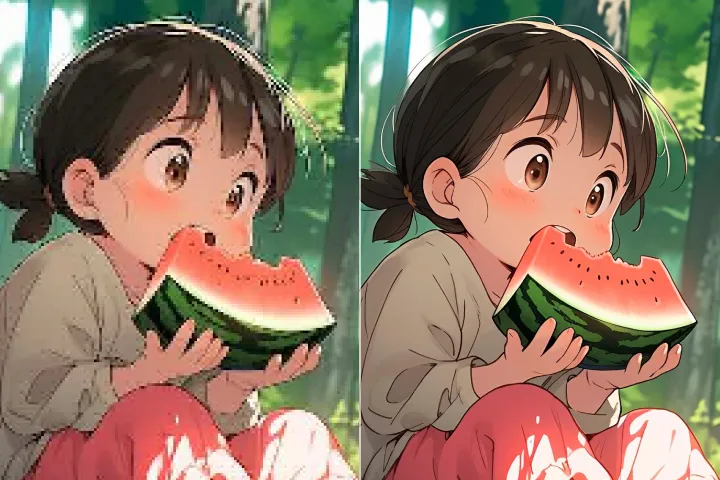
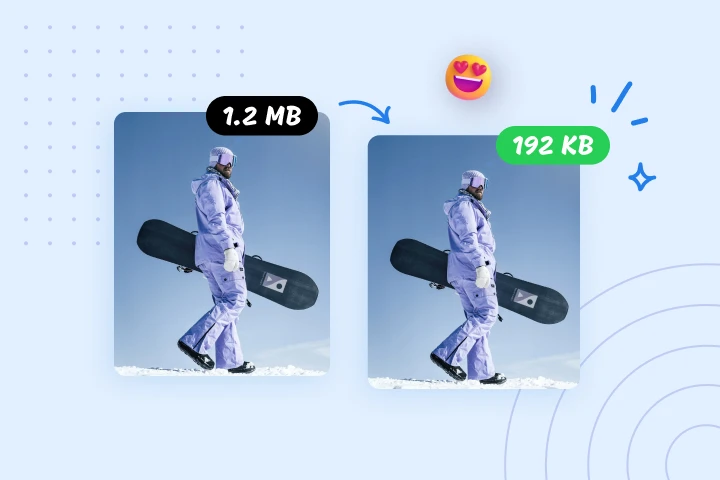
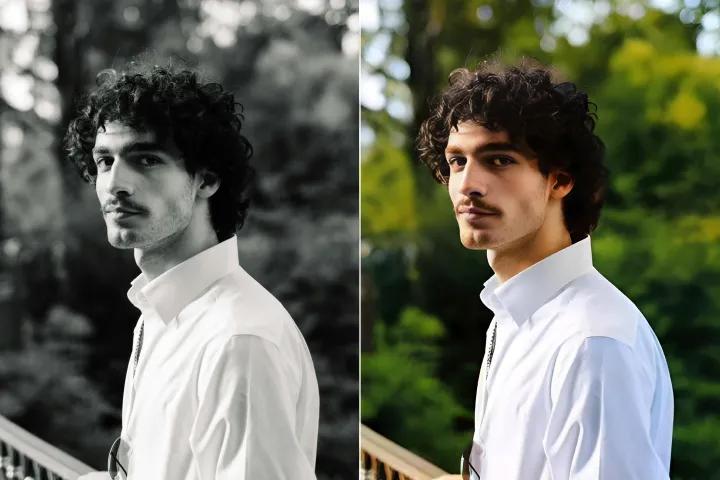
Fotoğrafların Kalitesini Çevrimiçi Artırın
Yapay zekâ ile
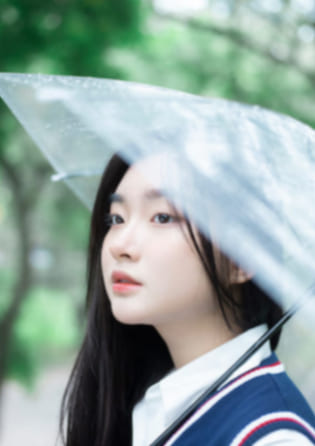
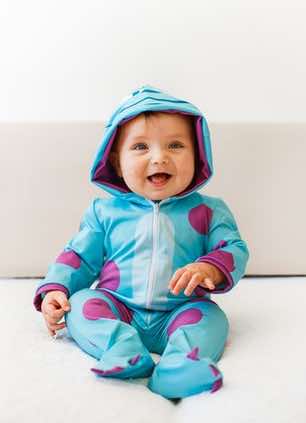
A–Z PDF Çözümü’ne entegre edilmiş PDFAz’nin gelişmiş Yapay Zeka Fotoğraf Geliştiricisi ile PDF’ler için fotoğraflarınızı zahmetsizce geliştirin.
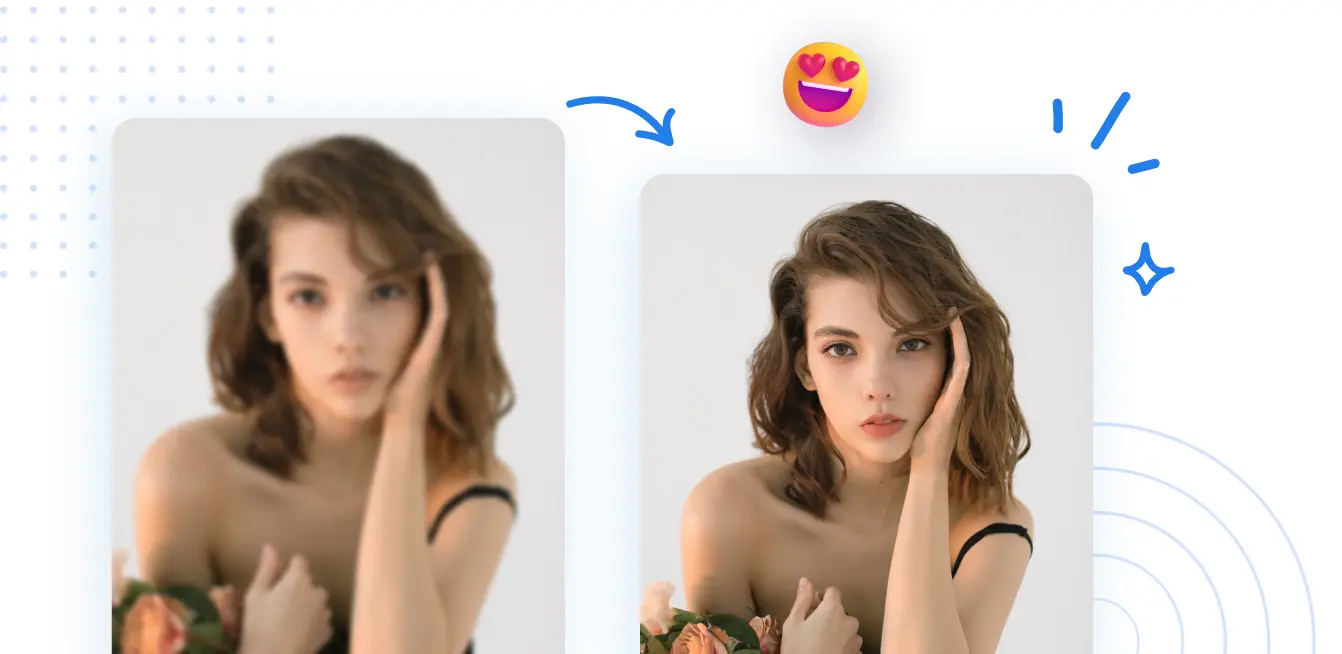


A–Z PDF Çözümü Nasıl Kullanılır
Her cihazda tek bir yerde uçtan uca PDF iş akışlarını sunan eksiksiz bir PDF araç setine erişin; PDFAz: kullanarak 3 basit adımda.
1 Bir görüntü yükleyin
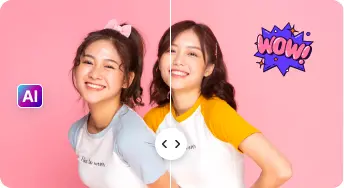
2 Kıyasla ve Ayarla:

3 İndir ve Paylaş:
Hepsi Bir Arada Yapay Zeka Fotoğraf Geliştirme Kitleri
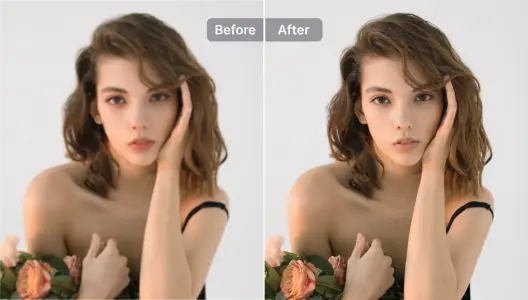
Portreleri ve Özçekimleri Geliştirin
İçerik bütünlüğünü korurken tipografi ve yerleşimi iyileştirerek baskıya hazır, profesyonel görünümlü bir PDF elde edin.
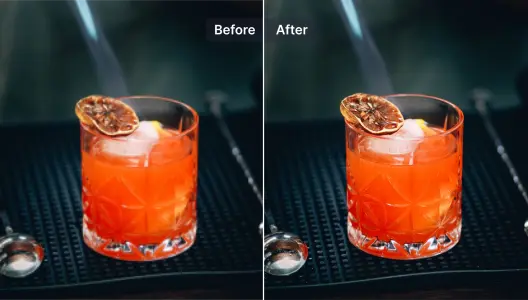
Ürün Fotoğraflarını Geliştirin
Taranmış PDF'leri ve gömülü görüntüleri anında iyileştirin ve netliği artırın. Profesyonel sonuçlar için arka plan kaldırma ile birleştirin.
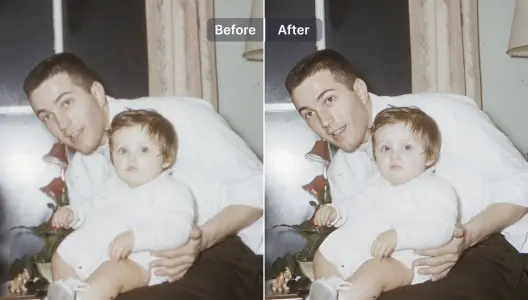
Bulanık Fotoğrafları Geliştir ve Onar
Okunabilir, yüksek kaliteli belgeler için yapay zeka destekli restorasyon kullanarak PDF içindeki metin ve grafikleri onarın ve keskinleştirin.
İllüstrasyonları ve Grafik Tasarımlarını Geliştir
Tasarım doğruluğunu koruyarak vektör grafiklerini, diyagramları ve gömülü görüntüleri yükseltin ve zenginleştirin.
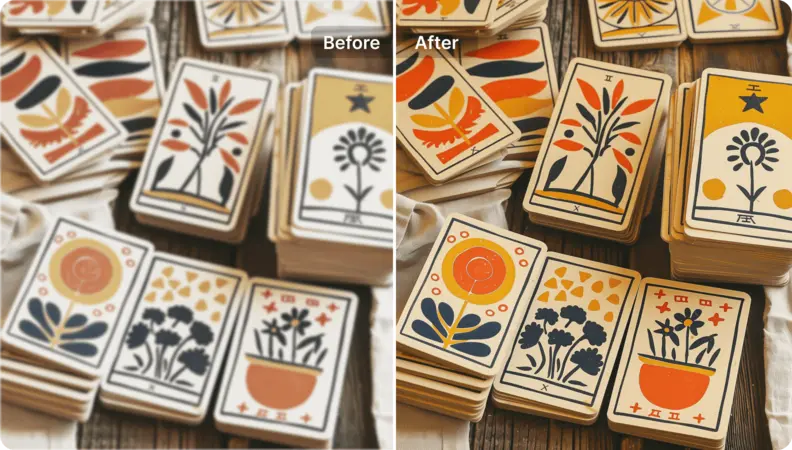
Sanat Görsellerinin Çözünürlüğünü Artır
Düzeni ve ayrıntıları koruyarak karmaşık PDF'leri yüksek kaliteli, görüntülenmeye hazırlık biçimlere dönüştürün (örneğin görüntüler veya HTML).
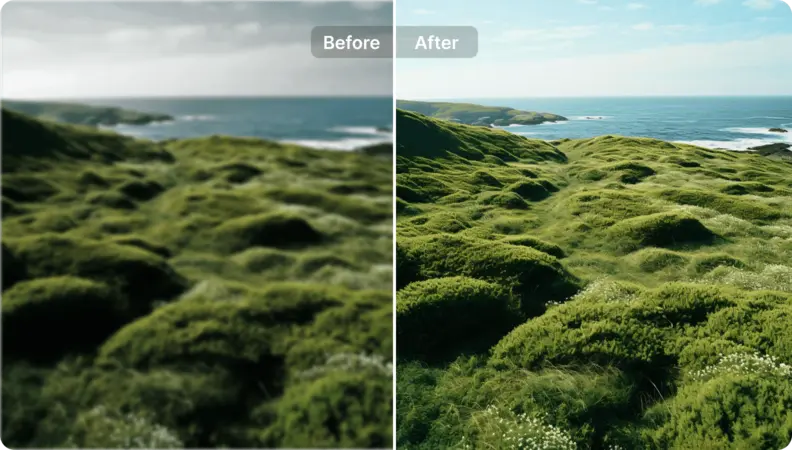
Manzara Fotoğraflarına Yeni Bir Soluk Verin
Yatay fotoğraf geliştirmeyi A–Z PDF Çözümü'nün bir parçası olarak kullanın: AI yönlendirmeli yönergelerle PDF'ler boyunca görselleri yükseltin ve çok yönlü uçtan uca belge iş akışlarına uygun profesyonel, baskıya hazır sonuçlar elde edin.

Free to Try
AIPhotor is free to try for 3 days, after which you can subscribe to one of our incredible value plans.

Free to Try
We automatically sharpen and transform your images with AI to create multiple final looks. But you can also adjust and add a prompt to customize the results. Choose what works best for you!

Quick & Easy
Screen, edit, resize and download your photos lightning fast.

Compatible with all devices
AIPhotor is available on the iOS and Android stores. Our app works seamlessly across mobile, desktop, and tablet devices.
Frequently Asked Questions
-
What is AIPhotor Photo Editor?

 AIPhotor is a visual online photo editing website that leverages AI technology to help automatically remove objects/people from images; retouch, enhance, colorize, correct, cartoonize, and animate photos in a snap, replacing other photo editing tools Photoshop, Pixlr editor, or Photopea.
Or just drag & drop image here, upto 50 images at once
Or just drag & drop image here, upto 50 images at once
Frequently Asked Questions
-
What is AIPhotor Photo Editor?
AIPhotor is a visual online photo editing website that leverages AI technology to help automatically remove objects/people from images; retouch, enhance, colorize, correct, cartoonize, and animate photos in a snap, replacing other photo editing tools Photoshop, Pixlr editor, or Photopea.