
{{ getFeatureName(action_mode) }} your image
Drop your image here.
Our popular AI tools
Enhance Photo
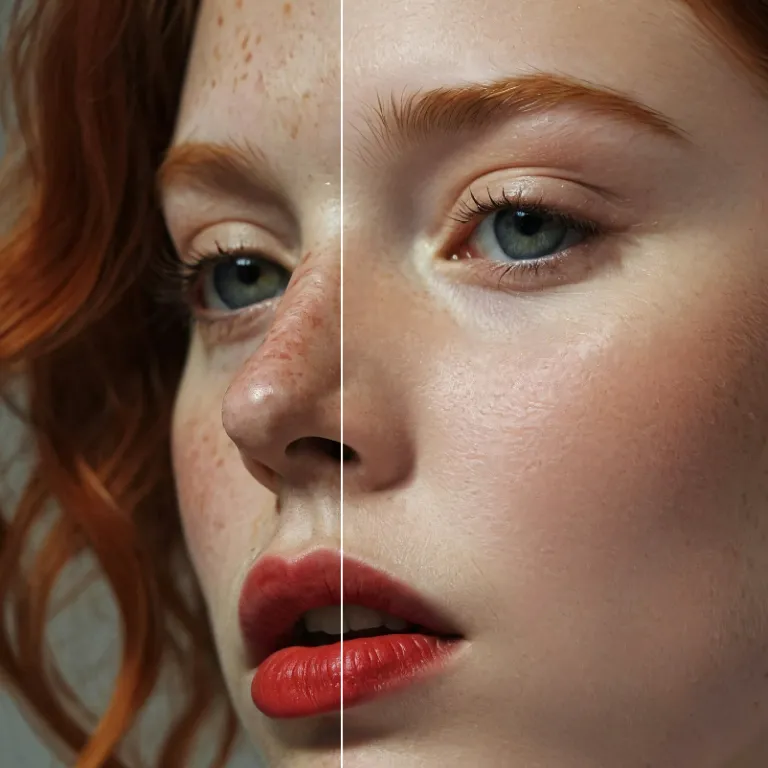
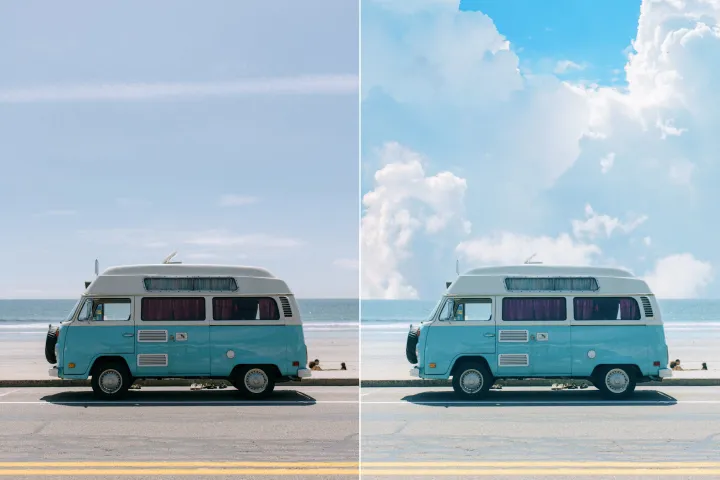
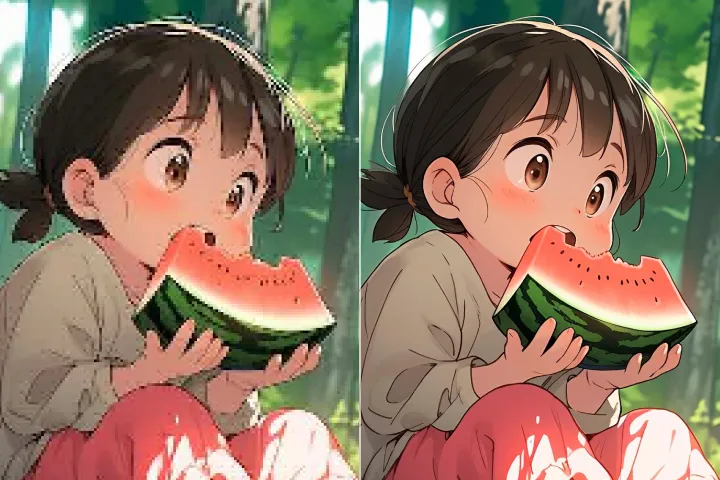
Automatically enhance the blurry photo's resolution and increase the overall quality.
Remove Objects
AIPhotor's One-Touch AI simply detects and removes unwanted details in your picture.
Remove Background
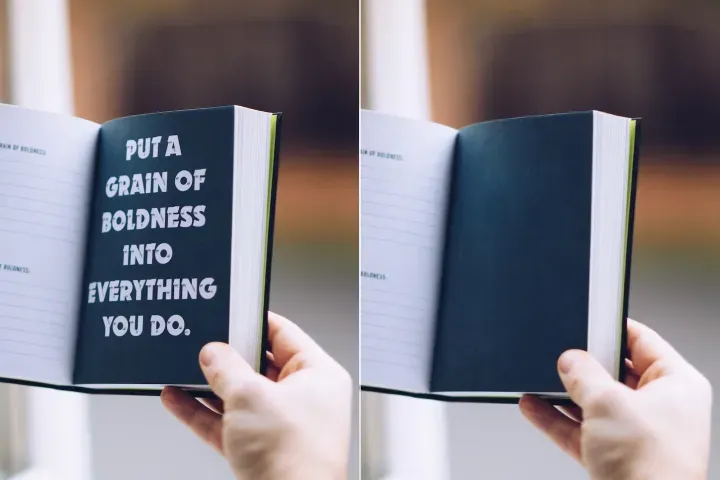
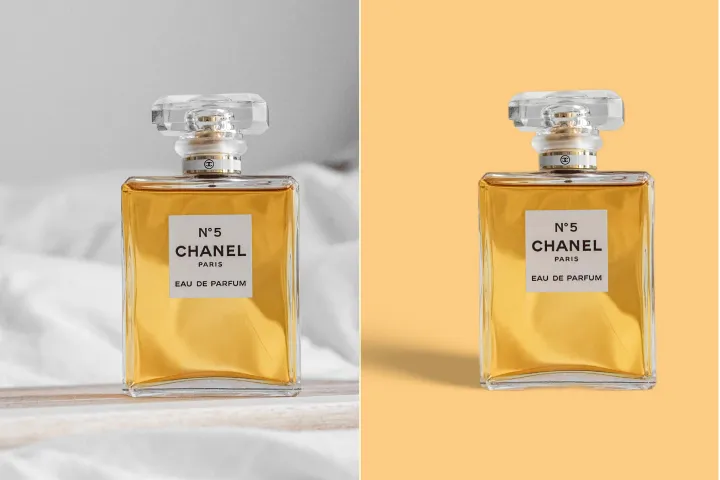
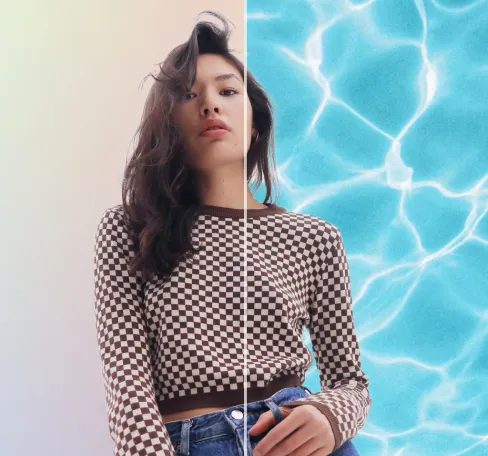
Seamlessly remove background from photos. Edit background with 100+ well-designed templates.
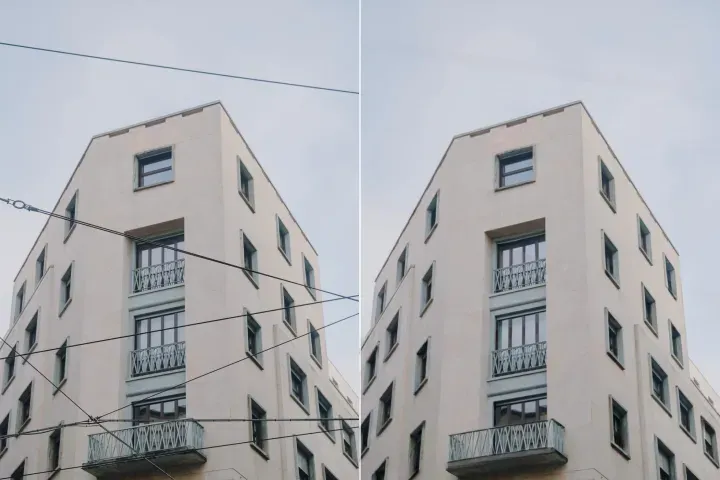
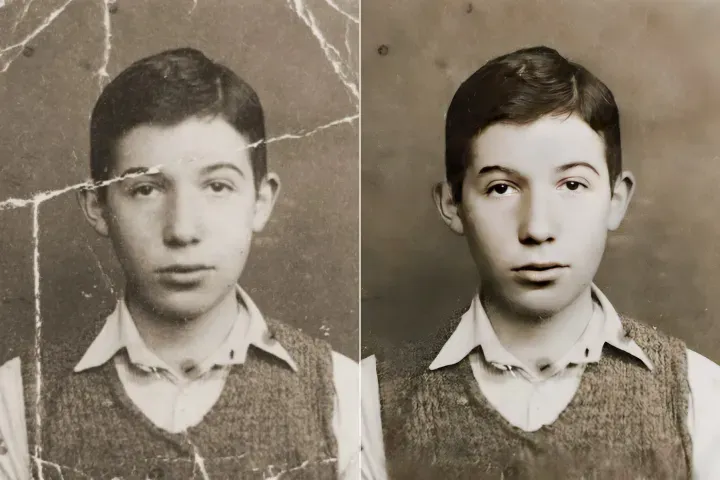
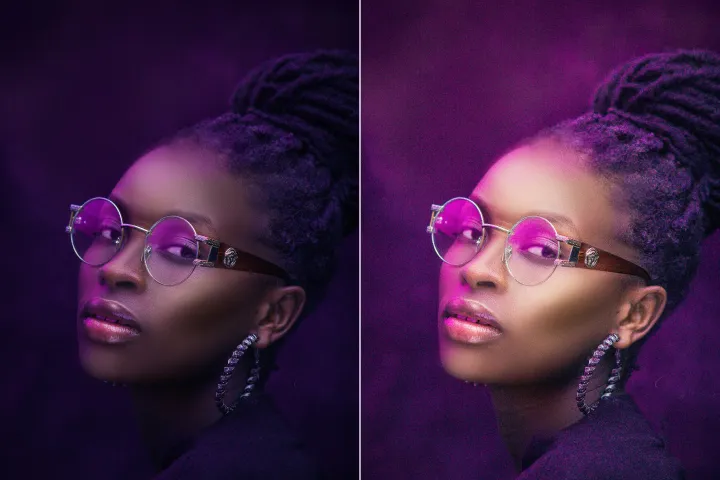
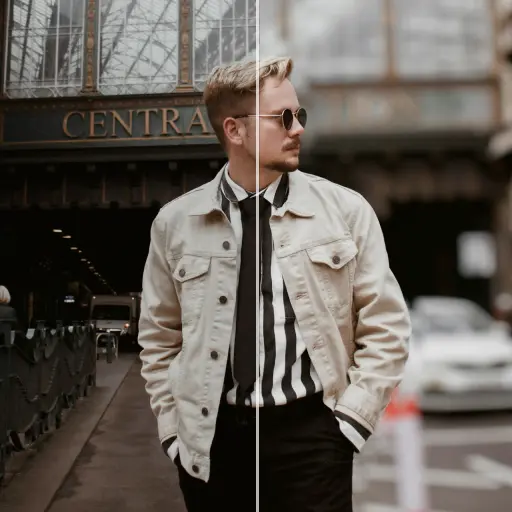
I-compress ang Larawan Online Nang Libre
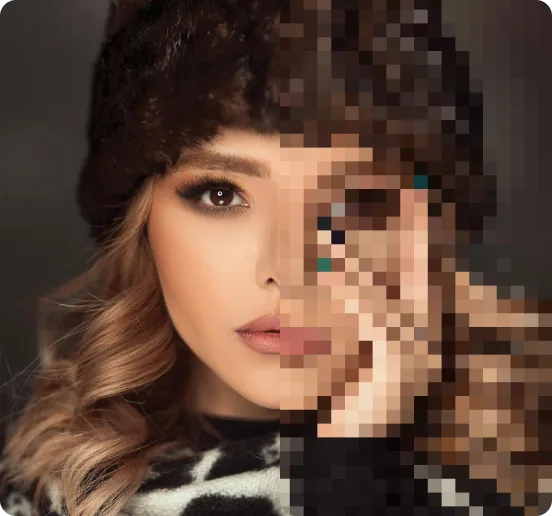
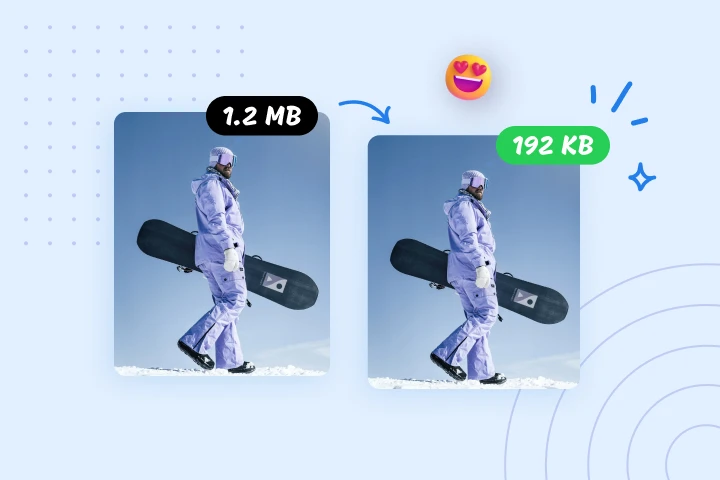
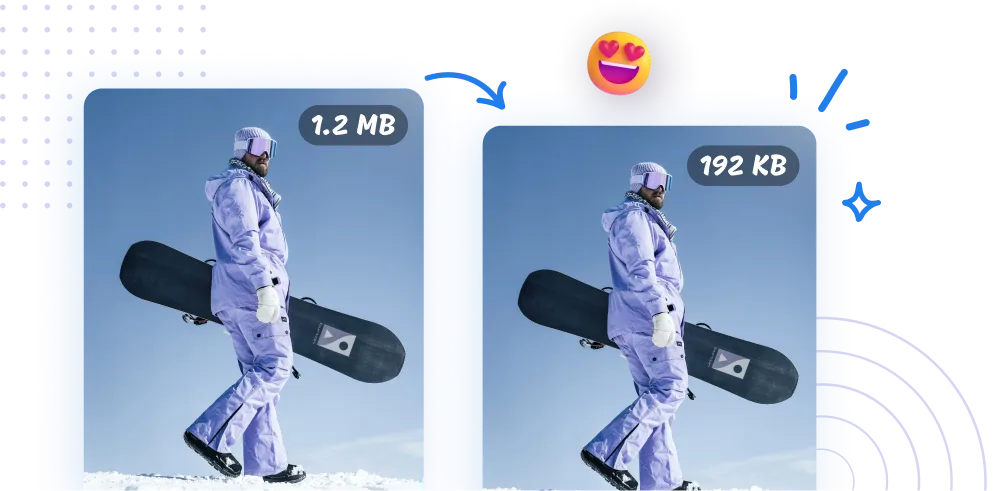
Ipinapaliit ang iyong mga imahe ng hanggang 95% gamit ang AIPhotor image compressor. Iniaangkop para sa PDFs; binabawasan nito ang laki ng mga file para sa mas maayos na pagbabahagi, mas mabilis na pag-upload, at mas epektibong pamamahala ng datos-lahat sa loob ng A–Z PDF Solution.
Paano i-compress ang mga larawan gamit ang AIPhotor?
Maranasan ang A–Z PDF Solution para sa pag-optimize ng mga imahe: isang kumpleto, end-to-end na daloy ng trabaho na may tatlong malinaw na hakbang para mabilis at epektibong ma-compress ang mga imahe.
1 I-upload ang mga larawan
2 I-compress ang mga larawan
3 I-download ang mga larawan
Isang Kailangang-kailangan Kagamamitan sa Pagko-compress ng Larawan
I-compress ang mga larawan para sa bilis ng website
Paliitin ang malalaking larawan nang mabilis upang mapahusay ang pagganap ng mga dokumento at website; ang AIPhotor ay isang mahalagang kasangkapan sa loob ng A–Z PDF Solution para sa mga web developer at pag-optimize ng SEO.
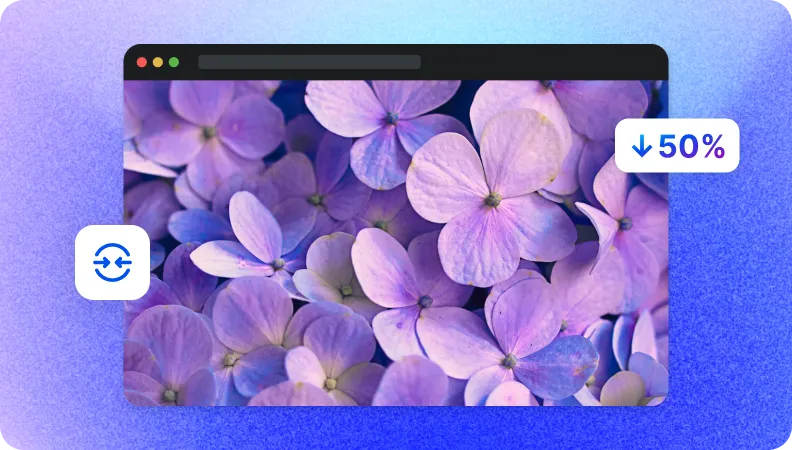
Paliitin ang laki ng mga file para sa mabilis na paglilipat ng datos
Mas maliliit na larawan ang nagbibigay-daan sa mas mabilis na pag-upload at pag-download-kahit na sa mabagal na mga network-pinapasimple ang pagbabahagi at pagtitipid ng oras sa loob ng A–Z PDF Solution.
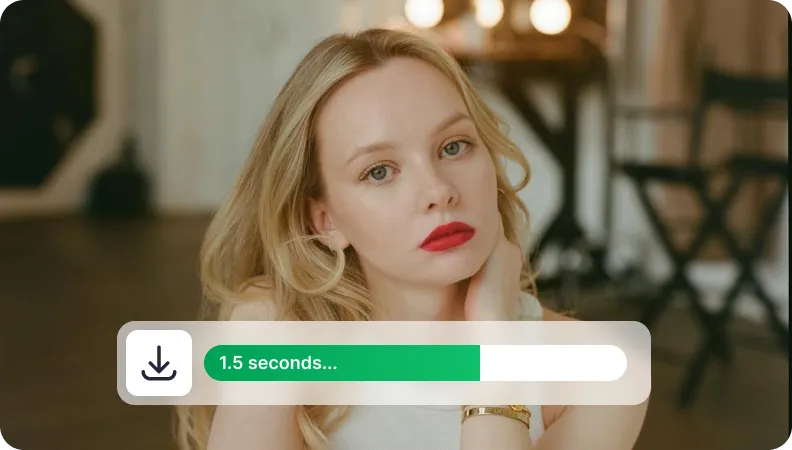
Ibaba ang laki ng larawan para sa pamamahala ng imbakan
I-optimize ang imbakan ng ulap sa pamamagitan ng pagpapaliit ng laki ng mga imahe, pagpapalaya ng puwang, pagbaba ng mga gastos, at pamamahala ng malalaking aklatan ng mga larawan sa loob ng A–Z PDF Solution.


Free to Try
AIPhotor is free to try for 3 days, after which you can subscribe to one of our incredible value plans.

Free to Try
We automatically sharpen and transform your images with AI to create multiple final looks. But you can also adjust and add a prompt to customize the results. Choose what works best for you!

Quick & Easy
Screen, edit, resize and download your photos lightning fast.

Compatible with all devices
AIPhotor is available on the iOS and Android stores. Our app works seamlessly across mobile, desktop, and tablet devices.
Frequently Asked Questions
-
What is AIPhotor Photo Editor?

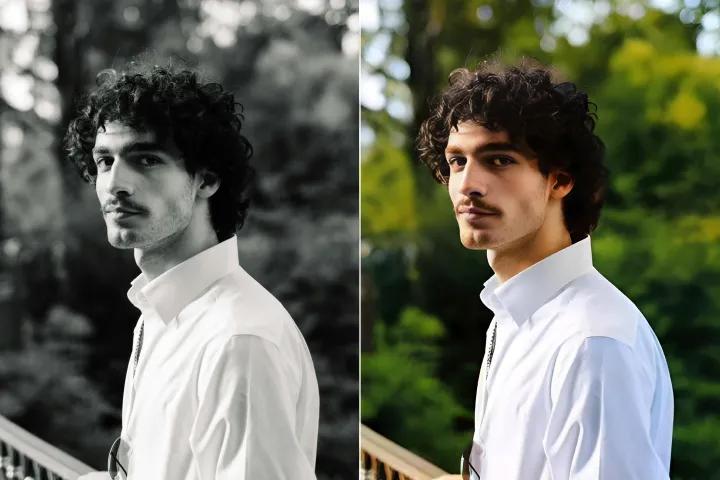
 AIPhotor is a visual online photo editing website that leverages AI technology to help automatically remove objects/people from images; retouch, enhance, colorize, correct, cartoonize, and animate photos in a snap, replacing other photo editing tools Photoshop, Pixlr editor, or Photopea.
Or just drag & drop image here, upto 50 images at once
Or just drag & drop image here, upto 50 images at once
Frequently Asked Questions
-
What is AIPhotor Photo Editor?
AIPhotor is a visual online photo editing website that leverages AI technology to help automatically remove objects/people from images; retouch, enhance, colorize, correct, cartoonize, and animate photos in a snap, replacing other photo editing tools Photoshop, Pixlr editor, or Photopea.